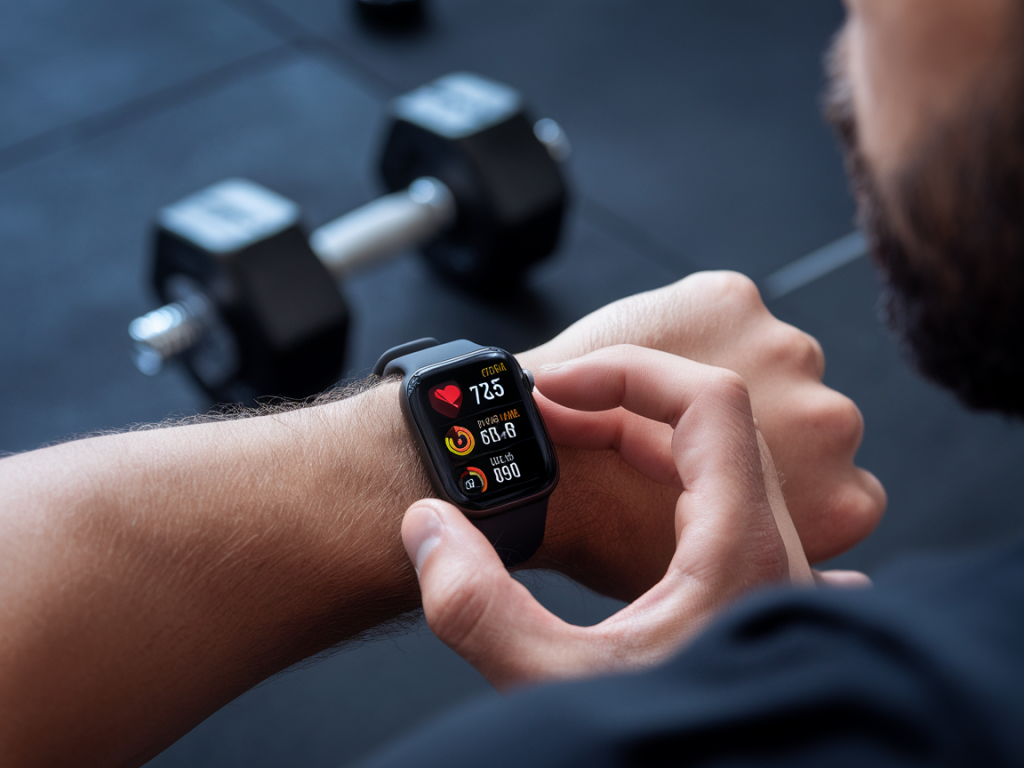
I used to wait until my legs felt like jelly, or my head felt foggy, before admitting I had pushed too hard. These days I rely on a combo of inexpensive smartwatch metrics that often warn me about overtraining *before* my body shouts. If you want a practical, affordable way to spot trouble early, let me walk you through what I watch, why it works, and how to interpret the signals so you can adjust training in time.
Why a metric combo matters more than a single number
One metric alone can be misleading. A slightly elevated resting heart rate (RHR) could be dehydration, caffeine, or travel stress. Low heart rate variability (HRV) could be due to a late night or an intense session the day before. But when multiple indicators move in the same direction, the probability of meaningful fatigue or impending overtraining rises. I think of it like a traffic light: one orange bulb is caution, three together is stop and reassess.
The inexpensive smartwatch metrics I actually use
Not everyone can afford a Whoop or an Oura, and you don't need to. Modern consumer watches from Garmin, Polar, Fitbit, Amazfit, and even some Apple Watches collect the essentials. Here are the metrics I rely on day-to-day:
How these metrics behave when overtraining is brewing
Below is a simplified table showing the typical direction of change I look for. The more of these shifts that appear together, the more seriously I take them.
| Metric | Typical change with accumulating fatigue / overtraining |
|---|---|
| HRV | Decreases (lower variability = sympathetic dominance, less recovery) |
| RHR | Increases (higher resting pulse) |
| Sleep | Reduced total sleep, fragmented sleep, or poor deep sleep |
| HR Recovery | Slower recovery after training |
| Respiratory rate | Slightly increased at rest |
| Training load | High or accelerating load without adequate recovery days |
Practical rules I use to decide when to back off
After years of experimenting, I developed a set of simple rules that combine these metrics with how I feel:
These thresholds are personal and relative — the key is tracking trends rather than absolute values. What's “low HRV” for me might be normal for you.
Specific inexpensive devices and how they stack up
Here are some accessible options that give you the metrics above without breaking the bank:
Pro tip: Even if your watch doesn't directly display HRV, you can use third-party apps (e.g., Elite HRV, Kubios, HRV4Training) with a compatible chest strap or optical HR data to get a usable HRV trend.
How I set up morning checks so it doesn't become a chore
I keep things simple to avoid obsession. My morning ritual is 60–90 seconds:
If two metrics are off plus my subjective score is low, I change the plan. That might mean replacing an interval session with an easy aerobic 30 minutes, doing mobility and breathing work, or taking a full day off.
Red flags that need more than a rest day
Most metric fluctuations mean you need easier training, sleep, or nutrition. But you should be cautious if you see:
In such cases, consult a coach or healthcare professional. These tools help detect stress, but they're not diagnostic devices.
My favorite quick recovery tools I use when metrics go red
When my watch tells me I'm trending toward overtraining, I prioritize the basics that change metrics fastest:
Tracking inexpensive smartwatch metrics won't replace listening to your body, but it does give you an early-warning system. When HRV, RHR, sleep, HR recovery, and training load all start pointing in the same direction, I act fast — and usually avoid the kind of multi-week energy drain that comes with true overtraining.